Unclaimed brand
Manage (Install, track, upgrade) and discover custom elements for Home Assistant directly from the UI.
Liking this brand profile? Share this page

Hex Code
Color name
RGB
HSL
CMYK
#41BDF5
Picton Blue
65, 189, 245
199, 90, 61
73, 23, 0, 4
#96DBF9
Malibu
150, 219, 249
198, 89, 78
40, 12, 0, 2
#0973A2
Bahama Blue
9, 115, 162
198, 89, 34
94, 29, 0, 36
HACS, the Home Assistant Community Store, is a custom integration and community resource for discovering and managing custom elements in Home Assistant. It provides a user interface where users can find, install, track, update, and remove community-created additions, helping them manage these elements from within Home Assistant. Supported repository types include AppDaemon apps, dashboard plugins, integrations, Python scripts, custom templates, and themes.
HACS also enables creators to publish their own custom-element repositories and offer shortcuts to repositories or issue trackers. Its website provides guidance on installation, configuration, repository management, troubleshooting, updates, and publishing, along with ways to contribute to development, documentation, and translations. Starting with Home Assistant 2026.
11, HACS is built into Home Assistant as the Marketplace, so there is nothing to download separately. The project describes this transition as a change in how users access HACS, while retaining its role in helping the community discover, share, and maintain custom elements
Brand industry
Computers Electronics and Technology
Company type
Suggest company type
Year founded
Suggest founded year
Company size
Suggest company size
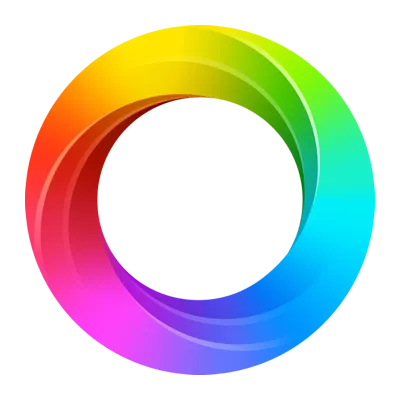
How do I download the HACS logo?
The HACS logo comes in one version: a logo. Download as transparent PNG.
What are HACS' brand colors?
The HACS color palette uses the hex codes #41BDF5, #96DBF9 and #0973A2.
The HACS name, logos and brand assets are trademarks of HACS and its affiliates. Brandfetch isn't affiliated with or endorsed by HACS. Their use is subject to HACS's brand guidelines.