RemoteMouse
@remotemouse.net
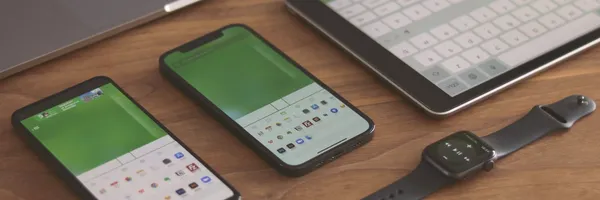
Remote Mouse lets you use your iPhone, iPad, or Android device as a wireless mouse, keyboard, and trackpad. Control your Mac, Windows, or Linux computer over Wi-Fi or Bluetooth. Easy setup and free download.
RemoteMouse's Company Logos

RemoteMouse's Brand Colors
Hex Code
Color name
RGB
HSL
CMYK
#65B966
Fern
101, 185, 102
121, 38, 56
45, 0, 45, 27
#FFFFFF
White
255, 255, 255
0, 0, 100
0, 0, 0, 0
#2E6DA4
Azure
46, 109, 164
208, 56, 41
72, 34, 0, 36
About RemoteMouse
RemoteMouse is a brand that offers a convenient and innovative solution for turning your iPhone, iPad, and Android devices into wireless mobile mice, trackpads, and keyboards. With RemoteMouse, you can easily control your computer from the comfort of your mobile device. Setting up RemoteMouse is simple.
Just download the Remote Mouse app on your mobile device, and install the Remote Mouse desktop application on your computer. Connect both devices to the same Wi-Fi network, and you're ready to go! RemoteMouse provides a perfect combination of three commonly used remote control devices: keyboard, mouse, and trackpad. With smart multi-touch gestures, you can effortlessly navigate and interact with your computer.
But that's not all! RemoteMouse offers additional features like specialty control panels for tasks like watching videos or giving presentations, seamless cross-device copy and paste functionality, convenient power options, and the ability to launch and switch between applications easily. Whether you're a professional or a casual user, RemoteMouse caters to your needs. It supports iOS, Android, Windows, Mac OS, and Linux, ensuring a consistent user experience across all your devices.
Take control of your computer with RemoteMouse and experience the convenience and freedom it offers. Download the app now and enjoy a new level of functionality and productivity
Brand industry
Computers Electronics and Technology
Company type
Suggest company type
Year founded
Suggest founded year
Company size
2-10 employees